User's Guide

Configuring the default method to display destinations
Configure the default method to display destinations in the fax/scan mode.
In the administrator mode, select [System Settings] - [Default Address Display Settings], and configure the following settings.
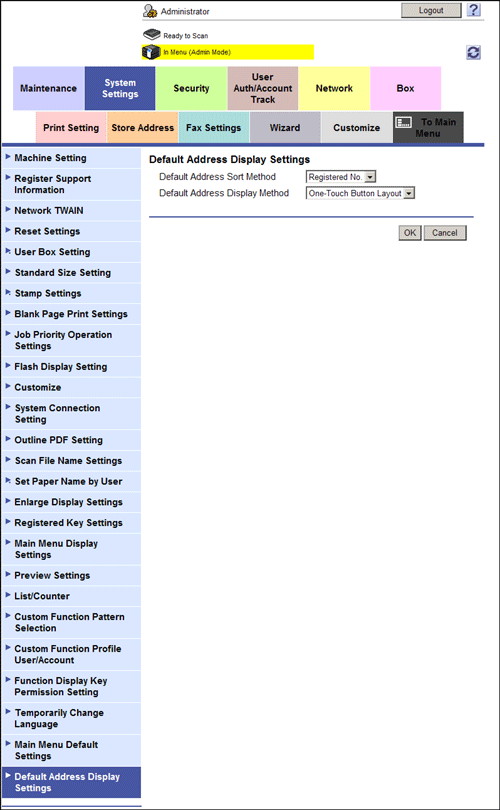
Settings | Description |
|---|---|
[Default Address Sort Method] | Select the list order of destinations by registration number and registration name. If you select the registration name, destinations are sorted according to [Sort Character] specified for the destinations. [Registered No.] is specified by default. |
[Default Address Display Method] | Select the button or list type to display destinations. [One-Touch Button Layout] is specified by default. |