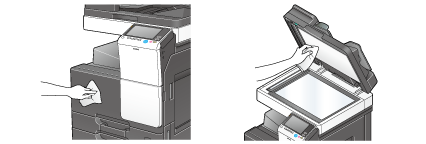
Cleaning This Machine
Cleaning the Slit Scan Glass
Cleaning is required when the Reverse Automatic Document Feeder DF-628 is installed on this machine.
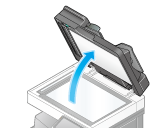
Open the ADF.
Wipe stains off the Slit Scan Glass using a dry and clean cloth.
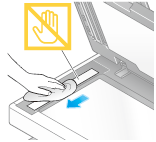

Do not touch the Slit Scan Glass.
Cleaning the Original Glass, Control Panel, and Roller
Wipe the surface using a soft, dry cloth.
Do not press the Control Panel hard, otherwise the keys and Touch Panel may be damaged.
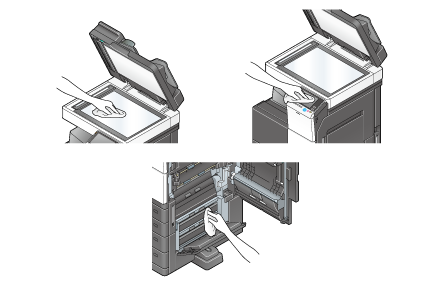

The inside of this product has areas subject to high temperature, which may cause burns. When checking the inside of the unit for malfunctions such as a paper misfeed, do not touch the locations (around the fusing unit, etc.) which are indicated by a "Caution HOT" caution label. A burn could result.
Cleaning the outer covers and Original Pad
Wipe the surface using a soft cloth moistened with a mild household detergent.
Never use solvents, such as benzene or thinner, to clean the Original Pad.